Keyboard Layouts: Finding the Best Setup for Speed, Comfort, and Accuracy
A complete guide to QWERTY, Dvorak, Colemak, and other keyboard layouts — learn which one suits your typing goals for speed, comfort, and accuracy.

A complete guide to QWERTY, Dvorak, Colemak, and other keyboard layouts — learn which one suits your typing goals for speed, comfort, and accuracy.
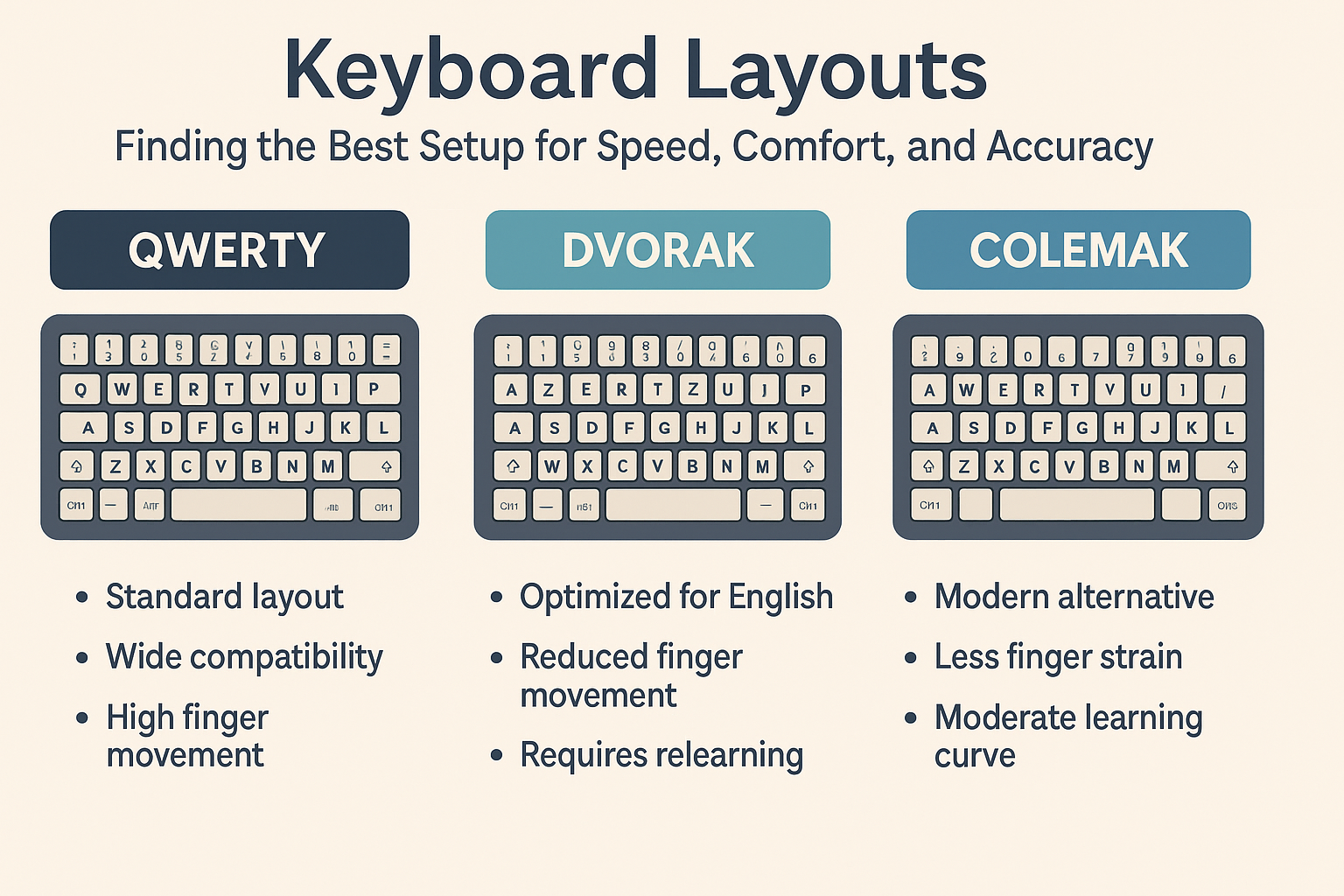
Keyboard Layouts shape how efficiently and comfortably you type. While QWERTY remains the global standard, alternative layouts like Dvorak and Colemak are designed to improve ergonomics and reduce finger movement. Understanding the differences helps you choose the right layout for your typing goals — whether speed, comfort, or long-term hand health.
A keyboard layout determines the physical arrangement of letters, symbols, and function keys. Each layout aims to balance speed, comfort, and accessibility. For instance, QWERTY was developed for mechanical typewriters, while modern alternatives like Dvorak and Colemak optimize for digital efficiency.
QWERTY is the most widely used layout, named after its top row of letters. It was designed in the 1870s for typewriters to prevent jamming by spacing out frequently used keys.
The Dvorak layout was introduced in 1936 by Dr. August Dvorak to increase efficiency and comfort. It places the most common letters under the strongest fingers and minimizes hand movement.
Colemak is a modern alternative created in 2006. It keeps many familiar QWERTY positions but repositions high-frequency keys for efficiency and comfort. This makes it easier to learn than Dvorak.
The Workman layout is optimized for natural finger motion and hand ergonomics rather than raw speed. It reduces lateral finger movement and is popular among programmers and long-form typists.
Switching layouts isn’t necessary for everyone. If you type comfortably on QWERTY, there’s no strong reason to change. However, if you experience fatigue, wrist pain, or plateau in speed, trying a new layout may help.
Here’s a good rule of thumb:
Your layout choice should work with your ergonomic setup. The most efficient layout won’t help if your posture or wrist position is poor. Pair your layout with a neutral wrist angle, comfortable chair height, and a well-placed monitor for best results.
Choosing the right keyboard layout depends on your goals — whether it’s maximizing speed, comfort, or reducing fatigue. Experiment with different layouts and give yourself time to adapt. There’s no “one-size-fits-all,” but understanding how each layout works empowers you to type smarter, not harder.
Try this: Enable the Colemak layout for one week and track your accuracy and comfort — you might be surprised by how much smoother typing feels.
Comments
Comments